

Fresher decisions
Is This Fresher Job Post Real? A 5-Minute Check Before You Apply
Compare a repost with the employer’s official role details, verify the role ID and application endpoint, and decide whether to apply, clarify or stop.
Published
Placement resource centre
Prepare for a drive, run one from the placement cell, or hire for a real fresher role. Choose your path, take the next action and download only the working file you need.
Choose a starting point
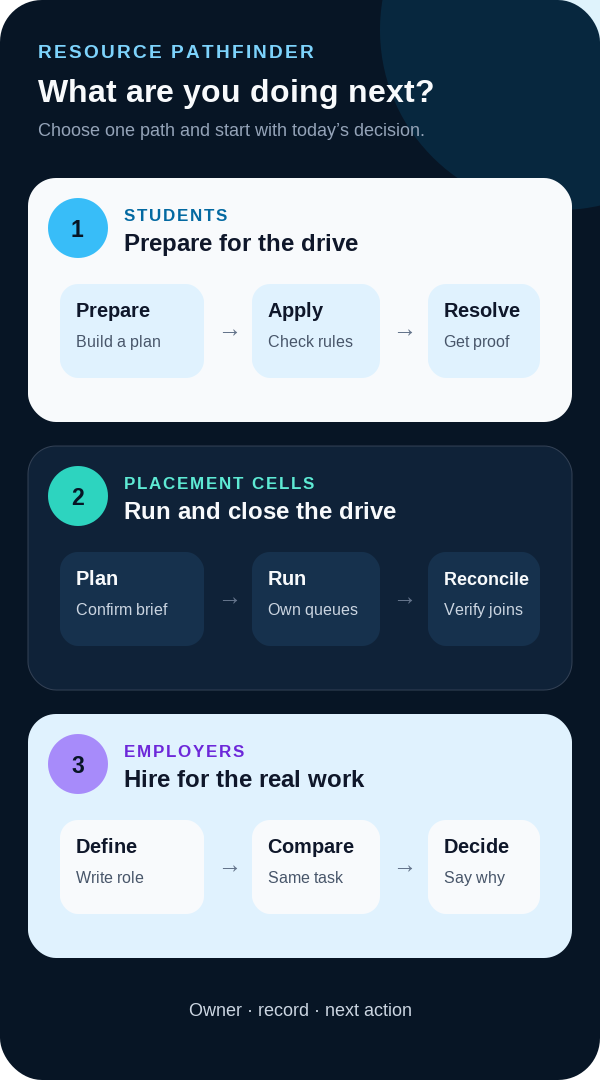
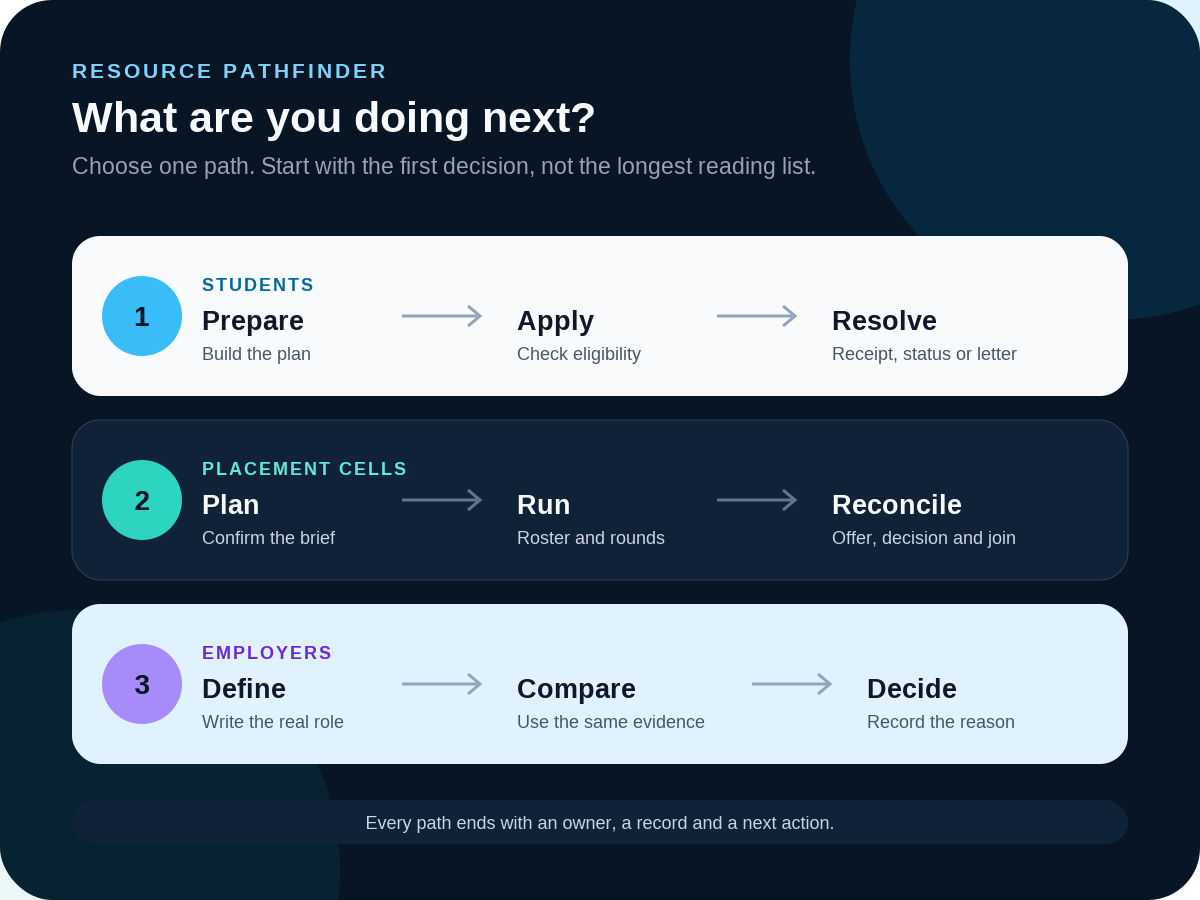
You do not need to read the whole library. Start with the guide that matches your immediate job, then follow the next link only when the decision changes.
01 · Students
Choose what to practise, check whether you can apply and keep a safe record when a deadline or assessment goes wrong.
Start with student resources02 · Placement cells
Turn the employer brief into a checked roster, route exceptions, assign follow-ups and reconcile offers, decisions and joins.
Start with TPO resources03 · Employers
Write the actual fresher role, compare job-relevant evidence and carry the remaining question into a structured interview.
Start with hiring resourcesLatest from the blog
The Blog explains the judgement behind an application, work sample or placement record. Resources remains the home for guides, templates and downloadable tools.
Fresher decisions
Compare a repost with the employer’s official role details, verify the role ID and application endpoint, and decide whether to apply, clarify or stop.
Published
Students
Start with the 16-week preparation guide if a drive is approaching. Use the decision guides when the question is about this application, this deadline or this assessment.
Start here
Choose two role families, diagnose the weakest step and plan a week around one work sample you can explain. The guide includes a schedule, worked exercises and a downloadable weekly plan.
Open placement preparationCan I register for this campus drive?
Check minimum CGPA, branch, backlog and pending-record rules against the current employer notice.
Check campus placement eligibilityDid they receive my application?
Separate submitted, received and verified before following up or sending anything again.
Check placement application statusThe online assessment is not working.
Record a safe timestamp, error and attempt reference, then contact the named owner without sharing test content.
Use the assessment recovery guideI was selected, but what do I have in writing?
Compare the selection notice, LOI, written offer and joining confirmation before a second deadline arrives.
Compare LOI, offer and joining letterPlacement cells
Keep the eligibility version, incident owner and outcome evidence visible. The guides below follow the same operating record from preparation through reconciliation.
1 · Plan and run
Confirm the employer brief, version eligibility, freeze the roster, route assessment incidents and hand interviews over cleanly.
Run the campus placement drive2 · Coach
Turn one observed gap into an owned practice task, review date and fresh prompt before the next roster freezes.
Review cohort readiness3 · Reconcile
Keep offer rows, unique students, acceptances, confirmed joins and pending evidence as separate measures.
Open the tracker guideEmployers
Start with the role and first-month outcome. Then compare the same evidence, ask the unresolved question and record why someone advances.
Start here
Define
Name the real tasks, conditions, eligibility and first 60-day outcome.
Compare
Use the same work sample and job-relevant anchors for every candidate.
Decide
Advance, clarify, hold or close with an observed reason and owner.
Compare contribution, testing, role fit and explanation before choosing the interview question.
Use the shortlisting guideSet the bounded problem, manager cadence, milestones and any PPO review rule before day one.
Plan the internshipCurated downloads
These are the complete Algonauts tools for the three paths above. Keep a clean copy, replace sample rows and agree the owner and definitions before use.
For placement cells · PDF
Print the drive owner, employer brief, eligibility-change gate, assessment incident record and outcome closeout.
Download checklist PDFFor placement cells · Excel
Review a sample cohort, keep offer and join evidence separate, then adapt the field instructions to campus policy.
Download Excel workbookFor employers · PDF
Take a role brief, work-sample rubric, structured interview loop and decision record into the hiring meeting.
Download hiring kit PDFStudents can also download the weekly preparation plan and off-campus application tracker.
Understand the whole journey
Follow one worked example from what a student can show, through human coaching, to the question an employer asks. The walkthrough explains what the platform records and what people still decide.
See how Algonauts works